
Conservation Efforts Database


Conservation Efforts Database · Site Update
New features are available in the CED. See everything that is new, with links to each feature: What's New in the CED
The CED has upgraded the entire site for a brand new user experience. Nearly every page in the CED has been upgraded and while we have done our best to test the site thoroughly, bugs likely still exist.
If you notice anything wrong with the site or would like to see improvements, we encourage you to submit responses via our bug log: https://conservationefforts.org/welcome/feedback/new/
You can review your submitted responses here: https://conservationefforts.org/welcome/feedback/
If you need immediate assistance, please email the CED directly at conservationefforts@fws.gov.
Thank you for helping us create a better experience for all CED users.
-The CED Team

Conservation Efforts Database
Explore reported conservation actions across landscapes, species, and recovery programs.
New in the CED
New tools for exploring data, entering and batch-uploading efforts, reviewing approvals, and the new Grasslands module. Browse every update with links to each feature.
One database, four conservation modules
The CED brings approved conservation-effort records together across the Sagebrush Ecosystem, Gunnison Sage-Grouse, Cutthroat Trout, and Grasslands modules. The summaries below emphasize reported acres when that metric is available.
Explore the CED
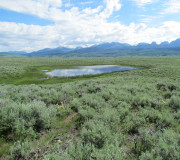
Conservation efforts across the sagebrush biome.
15,381 approved · 40,874,804 reported acres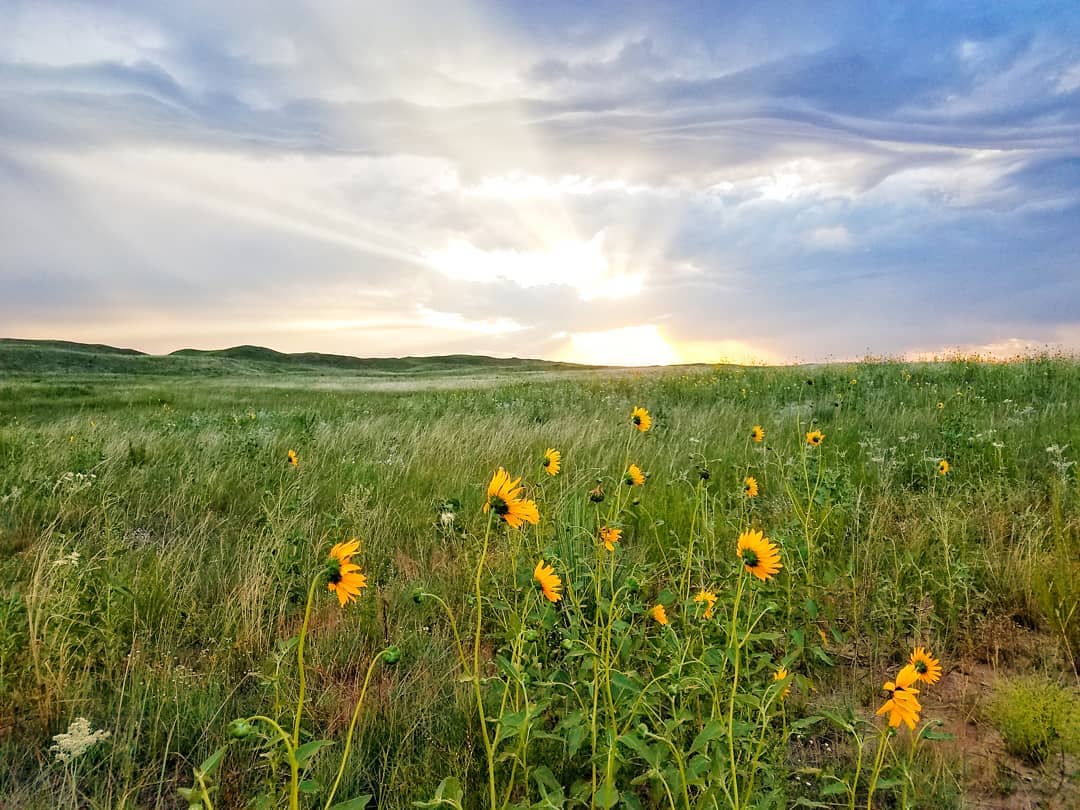
Conservation actions supporting grassland systems.
0 approved · 0 reported acres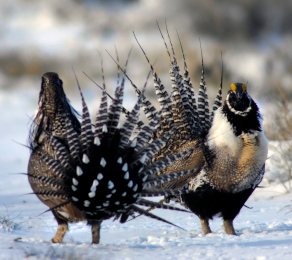
Recovery and conservation efforts for Gunnison sage-grouse.
222 approved · 29,103 reported acres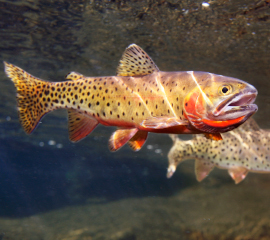
Recovery and habitat actions for native cutthroat trout.
26 approved · 8,754 reported acres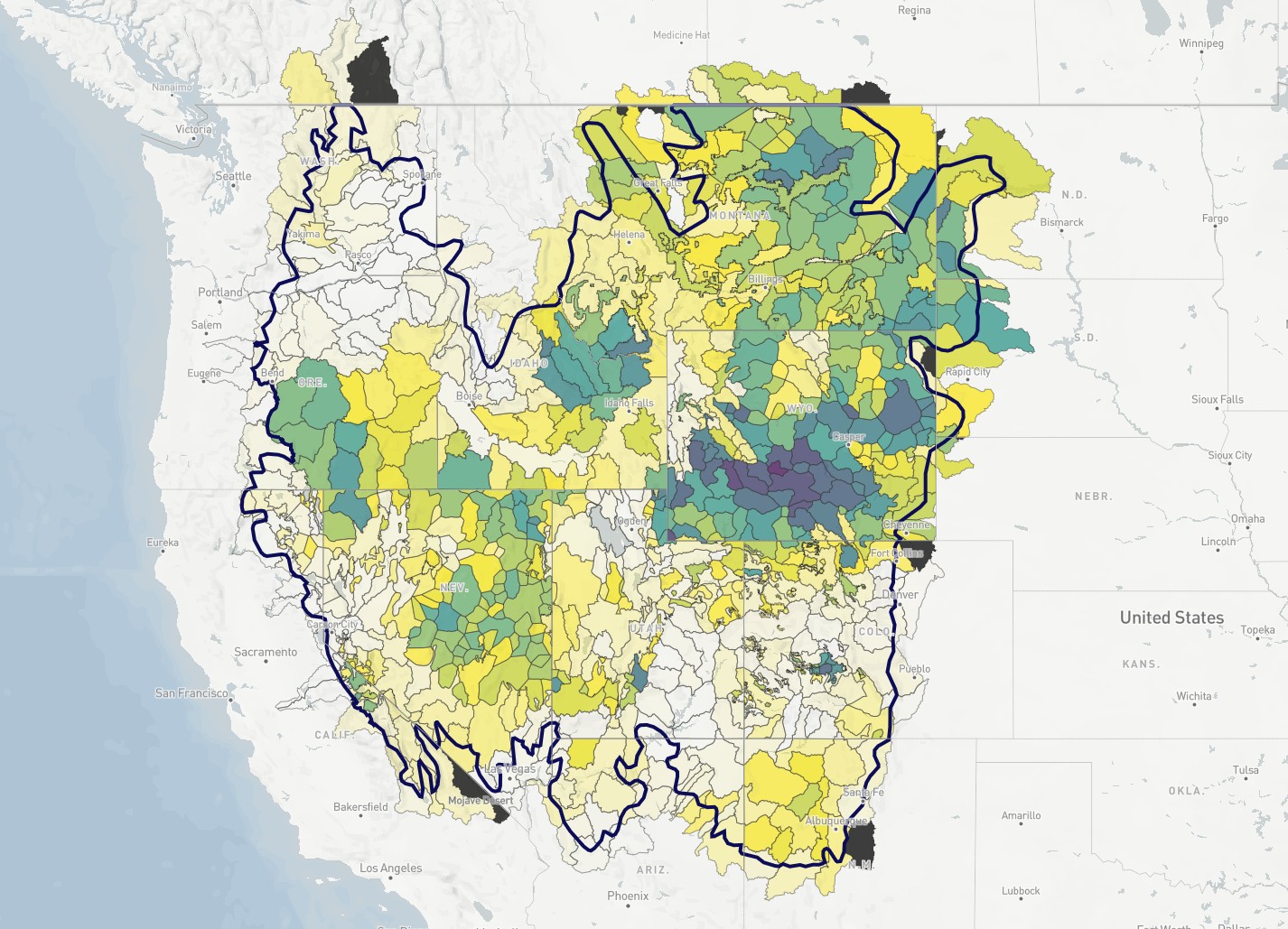
Explore landscape trends alongside conservation information.
CED at a glance
Approved, non-deleted records only. Activities without reported acreage are not represented in this acreage view. Acreage values are summed from records and are not a unique spatial footprint.
Current CED release
The displayed version is read from the CED site-settings JSON file, so this page stays synchronized with the version shown throughout the application.